
Settings
Open ⋮ → Settings. Changes apply at once; there is nothing to save.
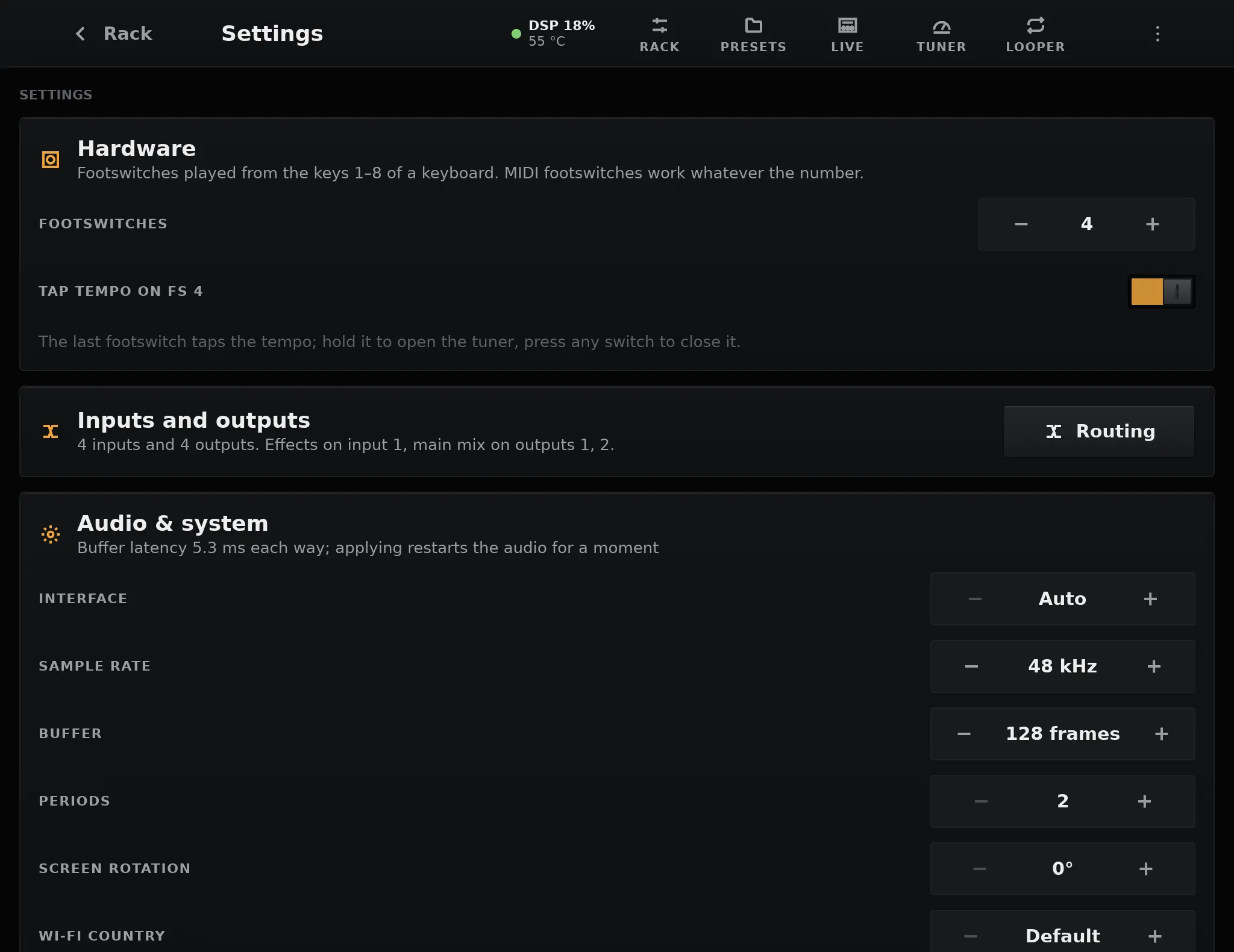
| Card | What it sets | More |
|---|---|---|
| Hardware | How many footswitches are wired and their GPIO, tap tempo on the last one, the rotary encoder | Footswitches and encoder |
| Inputs and outputs | How many the interface has; Routing opens the page that says what each one does | Inputs and outputs |
| Audio & system | The audio interface, sample rate, buffer, screen rotation and Wi-Fi country of pedalboard.txt |
Below |
| Processing | How many cores the effects may use: Auto, or 1 up to the number of cores | Below |
| Display | Light theme | Below |
| MIDI | Devices found, channel, follow MIDI clock | MIDI |
| Wi-Fi | Scan, join, disconnect, forget a network; turn the radio on or off; the pedalboard’s IP address | Below |
| TONE3000 Connect | Link your TONE3000 account | TONE3000 |
| Updates | The installed version, check for and install updates | Updates |
Light theme
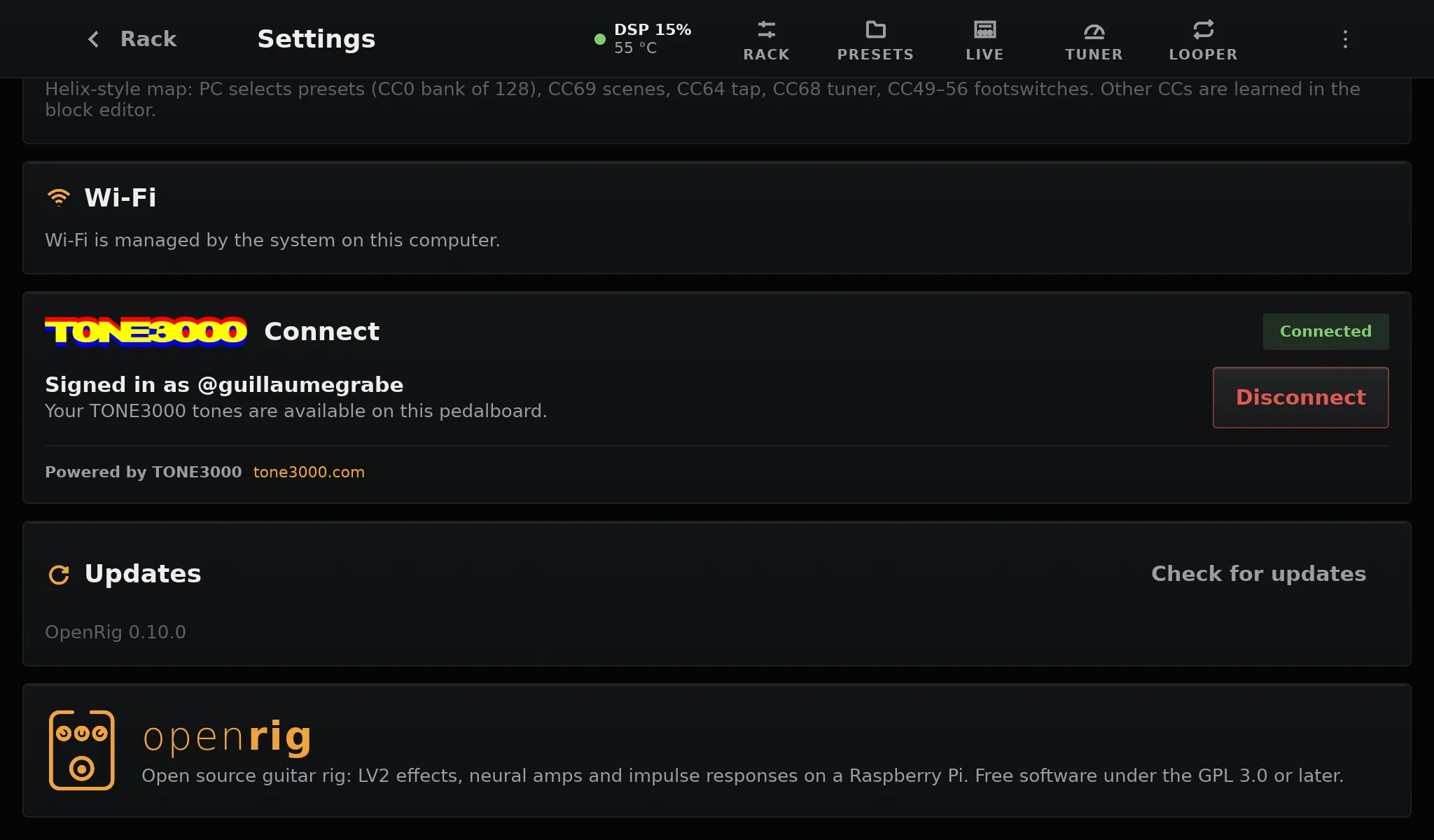
Section titled “Light theme”The screen is dark by default, which reads best on a dark stage. Turn Light theme on in Display for daylight: the pages get light panels and dark text, while the blocks of the rack, the knobs, the faders and the footswitches keep their dark look. The choice is kept across restarts.
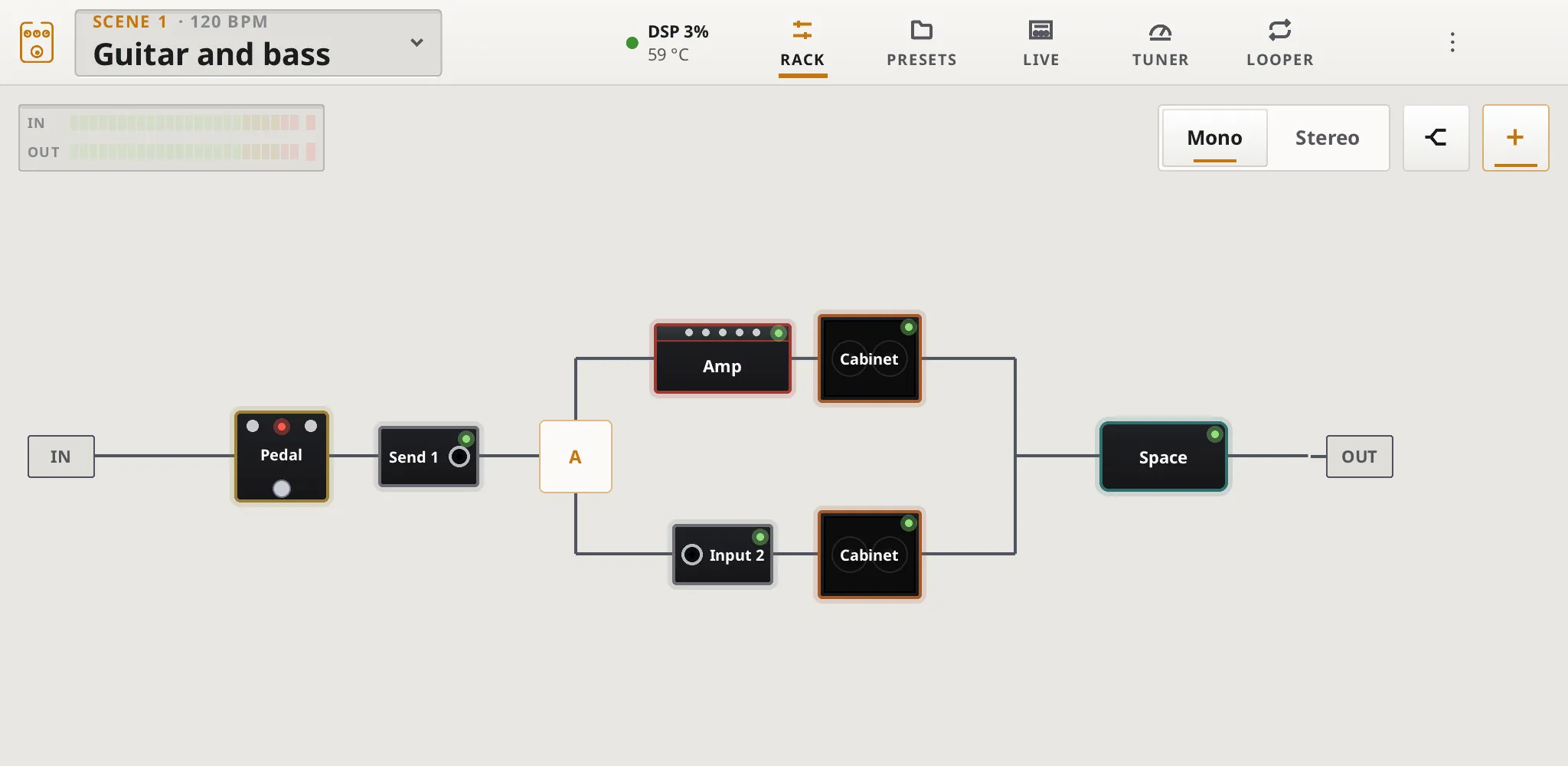
Tap a network to join it, and type its password on the on-screen keyboard (#+= for symbols). Joined networks are remembered on the data partition; Forget removes one. The password is never shown or logged.
Ethernet needs no setting: plug the cable in.
The card also shows the pedalboard’s IP address on each connected network, Wi-Fi and
Ethernet, for instance 192.168.1.42 (Wi-Fi): the address to use for SSH.
Set your country in pedalboard.txt (wifi_country) to use the channels
allowed there.
Audio & system
Section titled “Audio & system”The settings that used to need a computer are on the screen too. Audio & system changes pedalboard.txt, the file on the card’s first partition, without taking the card out:
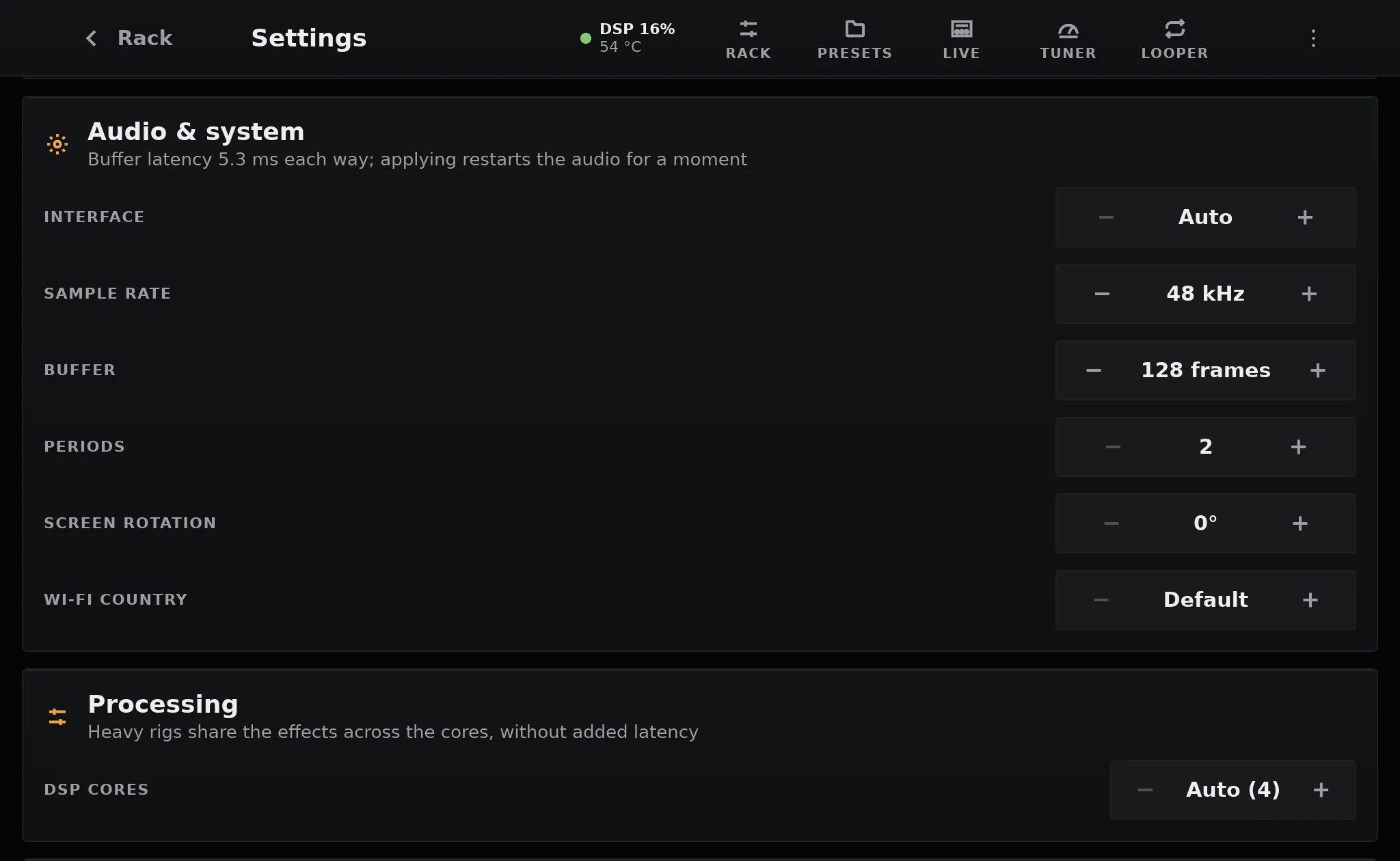
| Setting | Choices |
|---|---|
| Interface | Auto (the first USB interface or sound HAT), or one of the sound cards plugged in, by name |
| Sample rate | 44.1, 48, 88.2 or 96 kHz. Keep 48 kHz for neural captures |
| Buffer | 16 to 1024 frames per period |
| Periods | 2, 3 or 4 |
| Screen rotation | 0°, 90°, 180° or 270° |
| Wi-Fi country | Default, or a country, for the channels allowed there |
The card shows the latency of the buffer as you step through the values. Nothing changes until you tap Apply (Cancel goes back): the audio settings restart the audio for a moment, a new rotation turns the screen at once, and the Wi-Fi country applies at the next restart. The file keeps your comments, and a wrong value can still be fixed from a computer.
The card shows on the OpenRig OS only; the desktop app has no pedalboard.txt.
Processing
Section titled “Processing”DSP cores sets how many processor cores the effects may use. On Auto, the default, a heavy rig is spread over all of them: the four Cortex-A76 cores of a Pi 5, with no added latency and the same sound as on one core. Light rigs stay on one core anyway. See Multi-core DSP.