
Plugin store
The store installs LV2 plugins built for your pedalboard and checked to load in OpenRig. Every plugin in it is free software: its license and source are shown on its page.
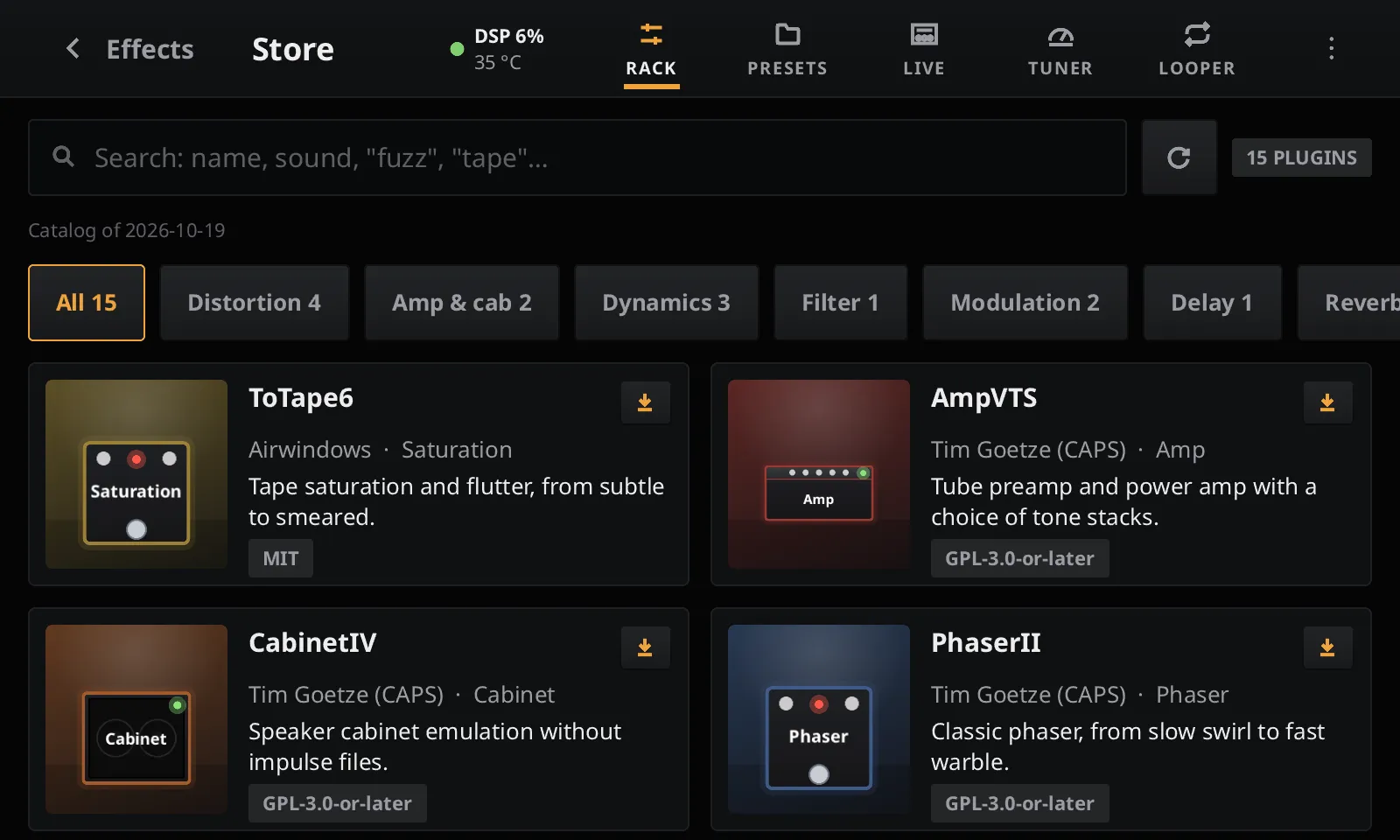
Installing a plugin
Section titled “Installing a plugin”- In the rack, tap + at the top right, then STORE on the Add effect page.
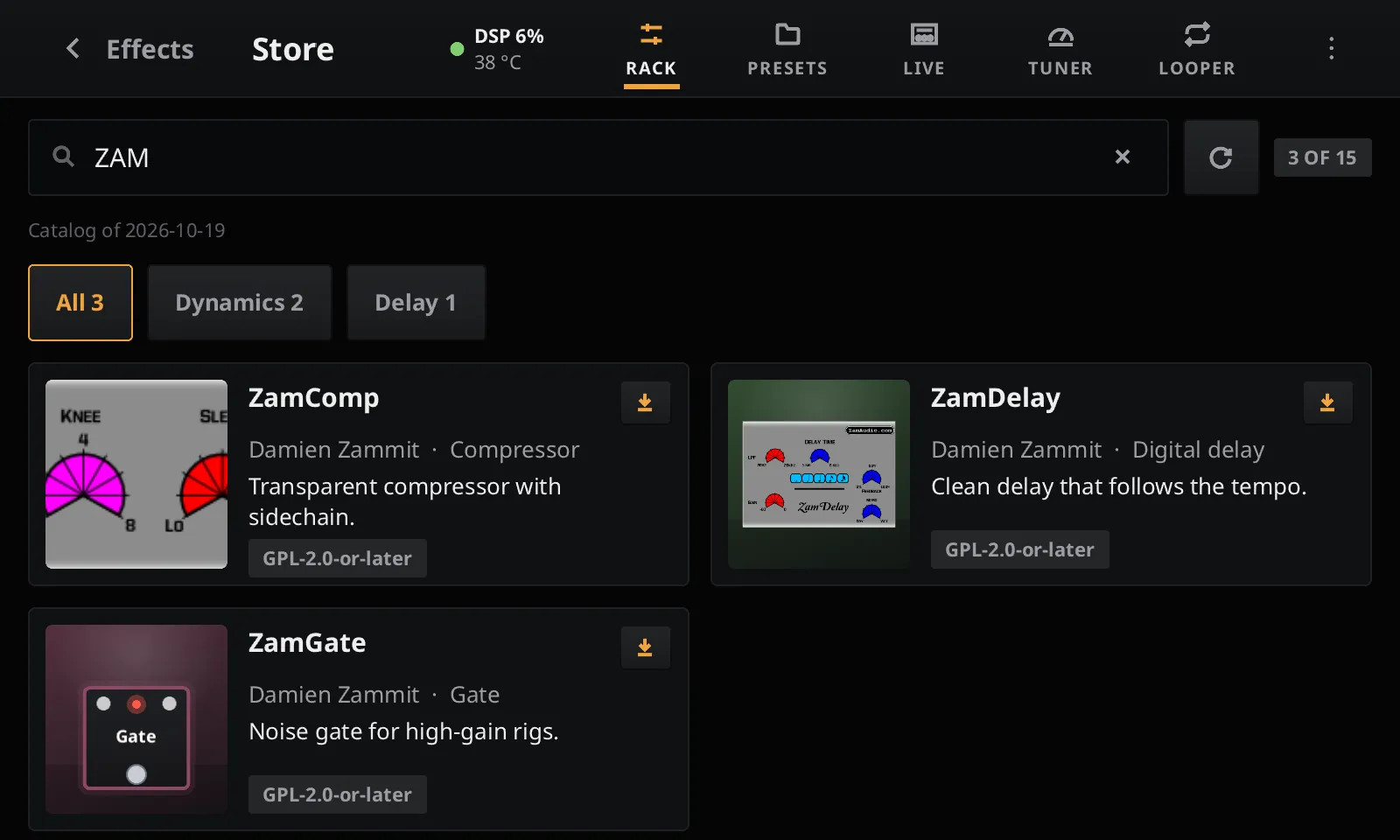
- Search by name or sound, or pick a family (Distortion, Delay, Reverb…).
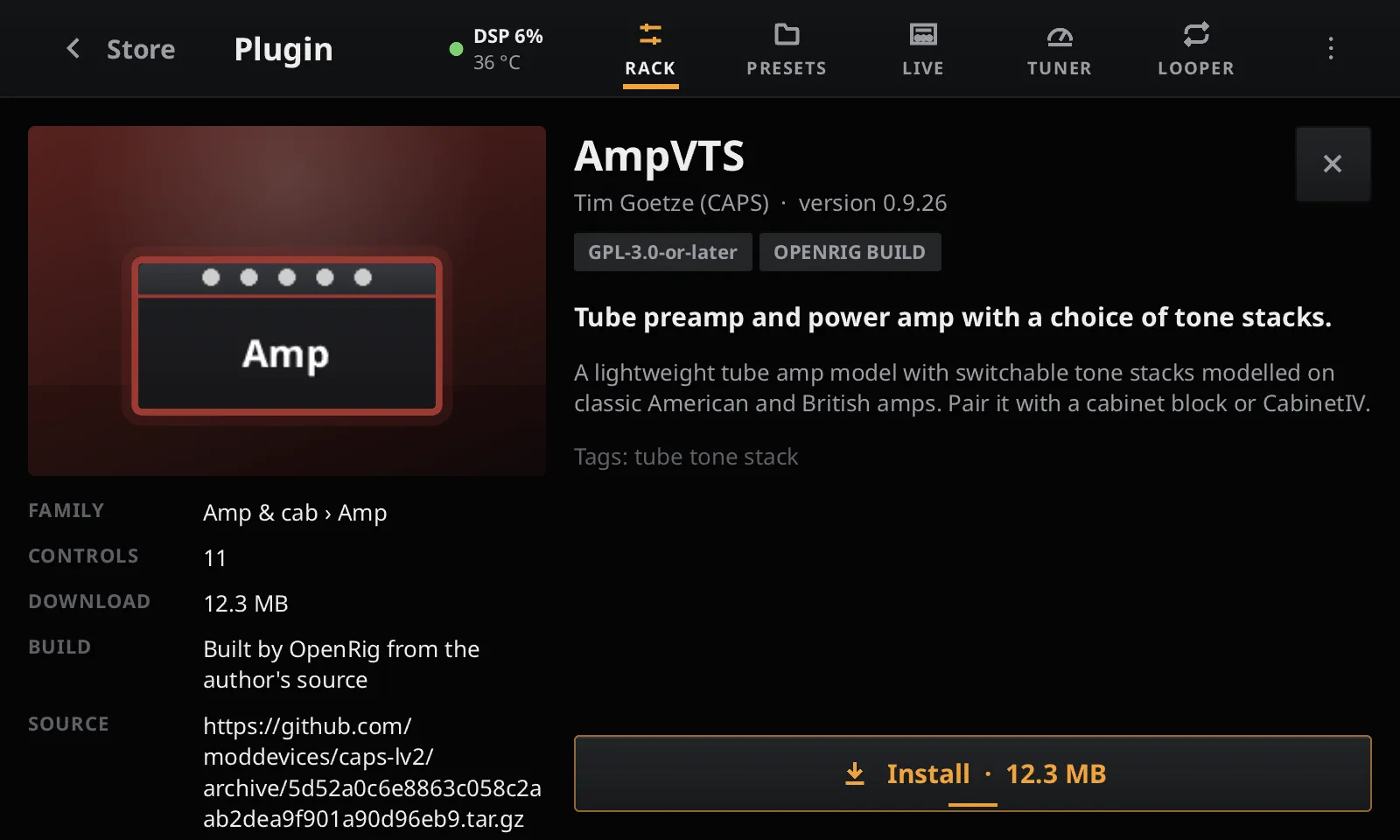
- Open a plugin and tap Install. The download takes a few seconds on Wi-Fi.
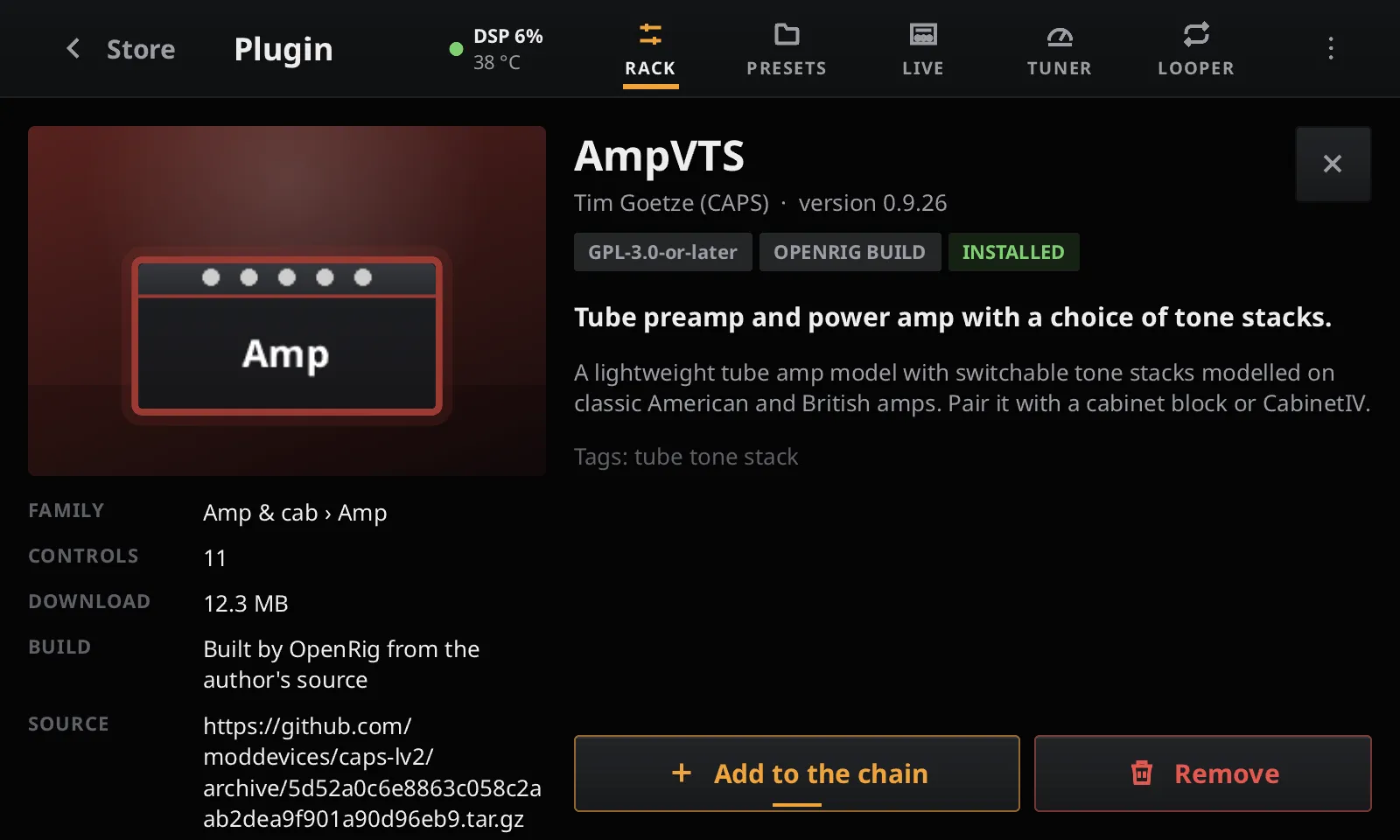
- Tap Add to the chain: no restart needed.
A plugin’s page gives its family, its number of controls, the download size, and where it comes from: OPENRIG BUILD means the catalog built it from the author’s source, whose address is shown.
The pedalboard needs a network to read the catalog and download plugins. The catalog is read when you open the store, at most every few hours; the refresh button at the top reads it again. Installed plugins work offline.
Updating and removing
Section titled “Updating and removing”When the catalog has a newer version of an installed plugin, its card says UPDATE and its page offers Update. Remove deletes the plugin from the pedalboard.
Removing a plugin does not break your presets: a block already in the rack keeps playing until you load another preset, and presets using the plugin keep its settings. Install it again and they come back.
Plugins you add yourself
Section titled “Plugins you add yourself”The store is optional. Bundles you copy into /data/pedalboard/lv2 (see LV2 plugins)
are always loaded, and the store never changes or removes them: in the store, they show as
INSTALLED BY HAND or ON BOARD. After copying a bundle, tap the store’s refresh button to
see it without restarting.
Safety and privacy
Section titled “Safety and privacy”- The catalog is signed: the pedalboard accepts only a catalog signed with the OpenRig catalog key, never an older one than it already has, and stops installing from a catalog that has expired.
- Each download is checked against the size and checksum the catalog gives before it is unpacked, and a plugin can only write inside its own folder.
- No account and no tracking: the pedalboard downloads the catalog and the plugins from GitHub and sends nothing about you.
A plugin shows as unavailable when it has no build for your board yet, or needs a host feature OpenRig does not provide yet.
Suggesting a plugin
Section titled “Suggesting a plugin”The catalog lives in openrig-catalog. Open an issue there to suggest a free LV2 plugin; plugins without a published binary are built from their source by the catalog itself.